2 January 2019
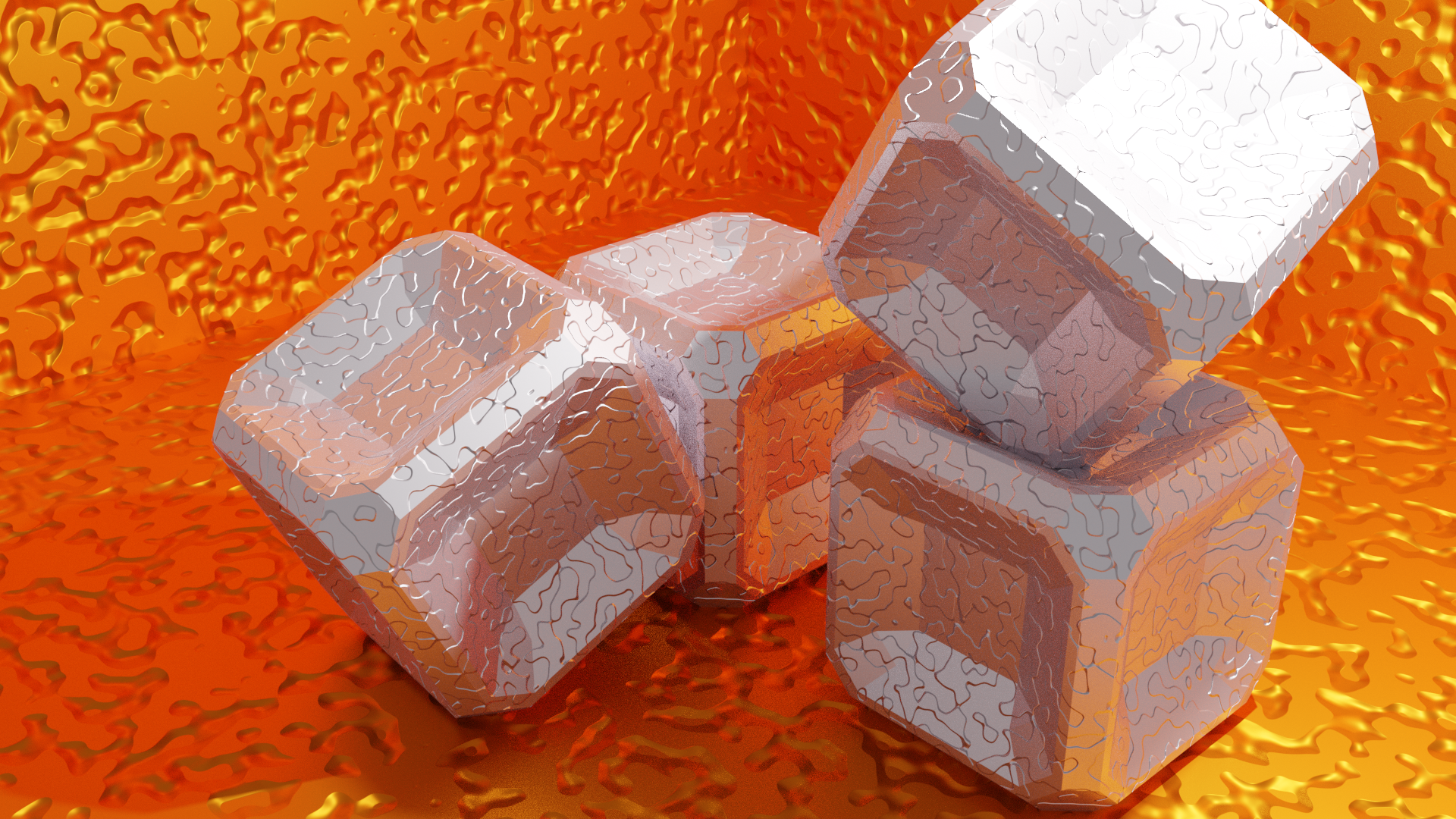
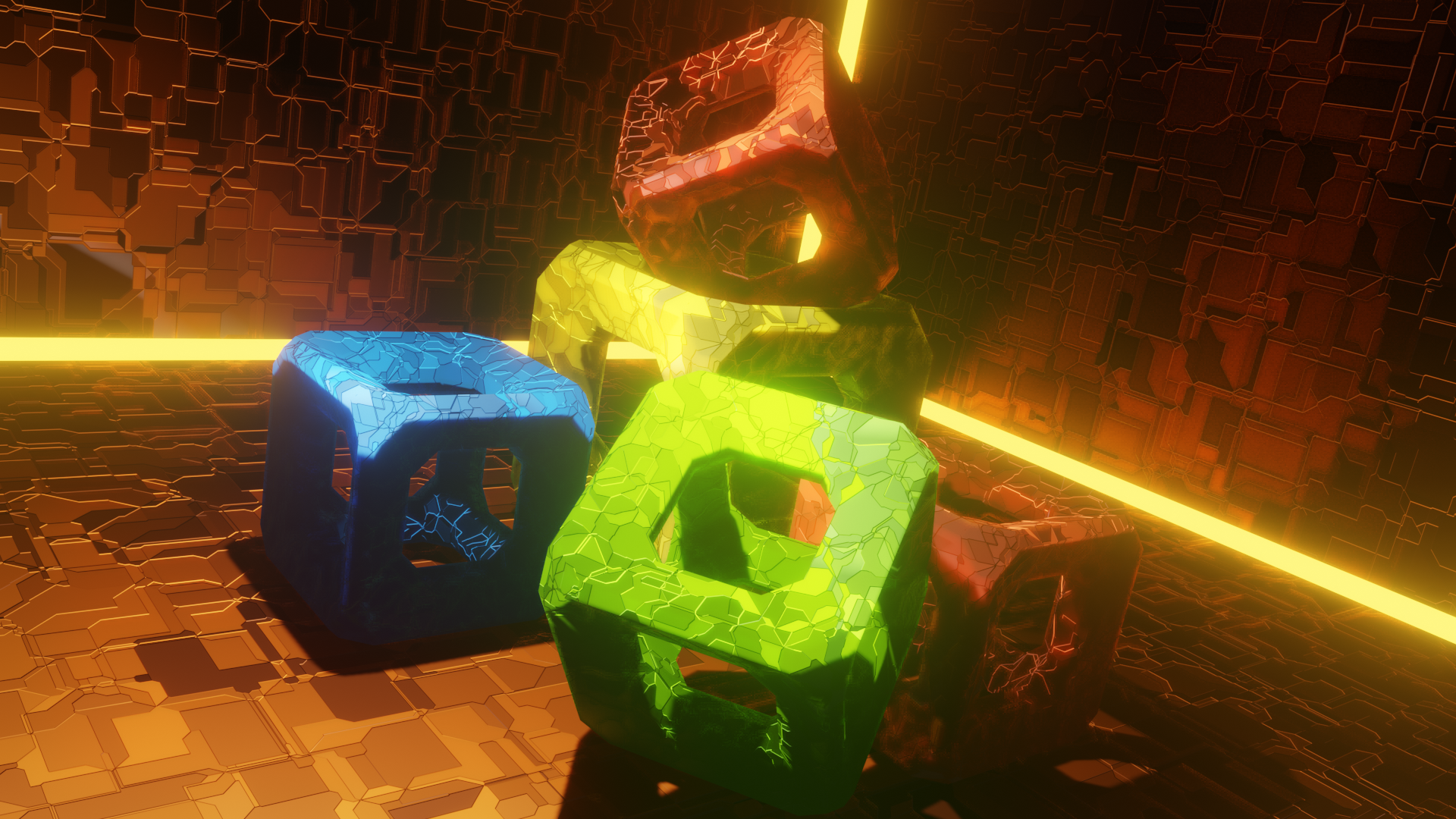
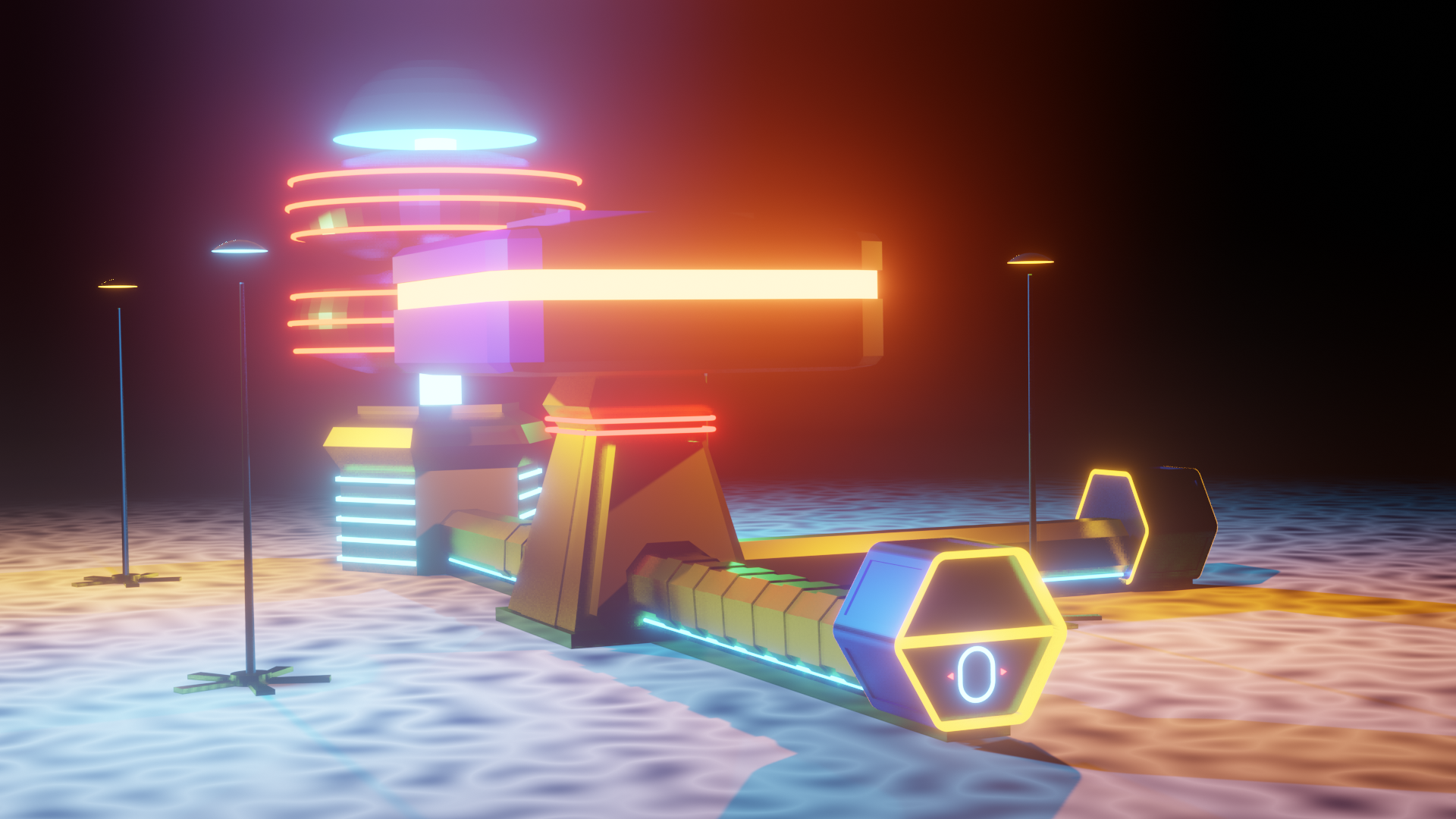
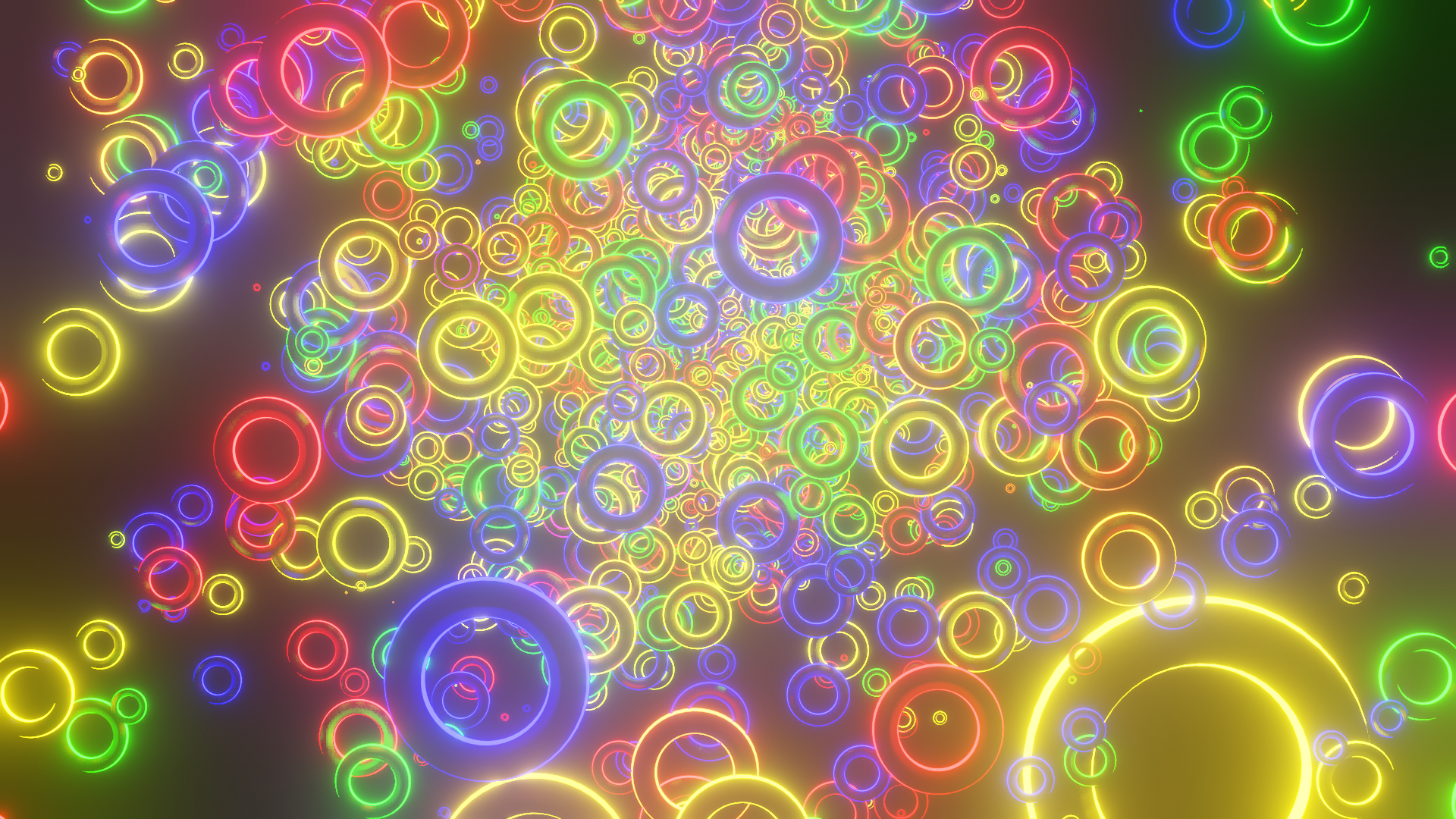
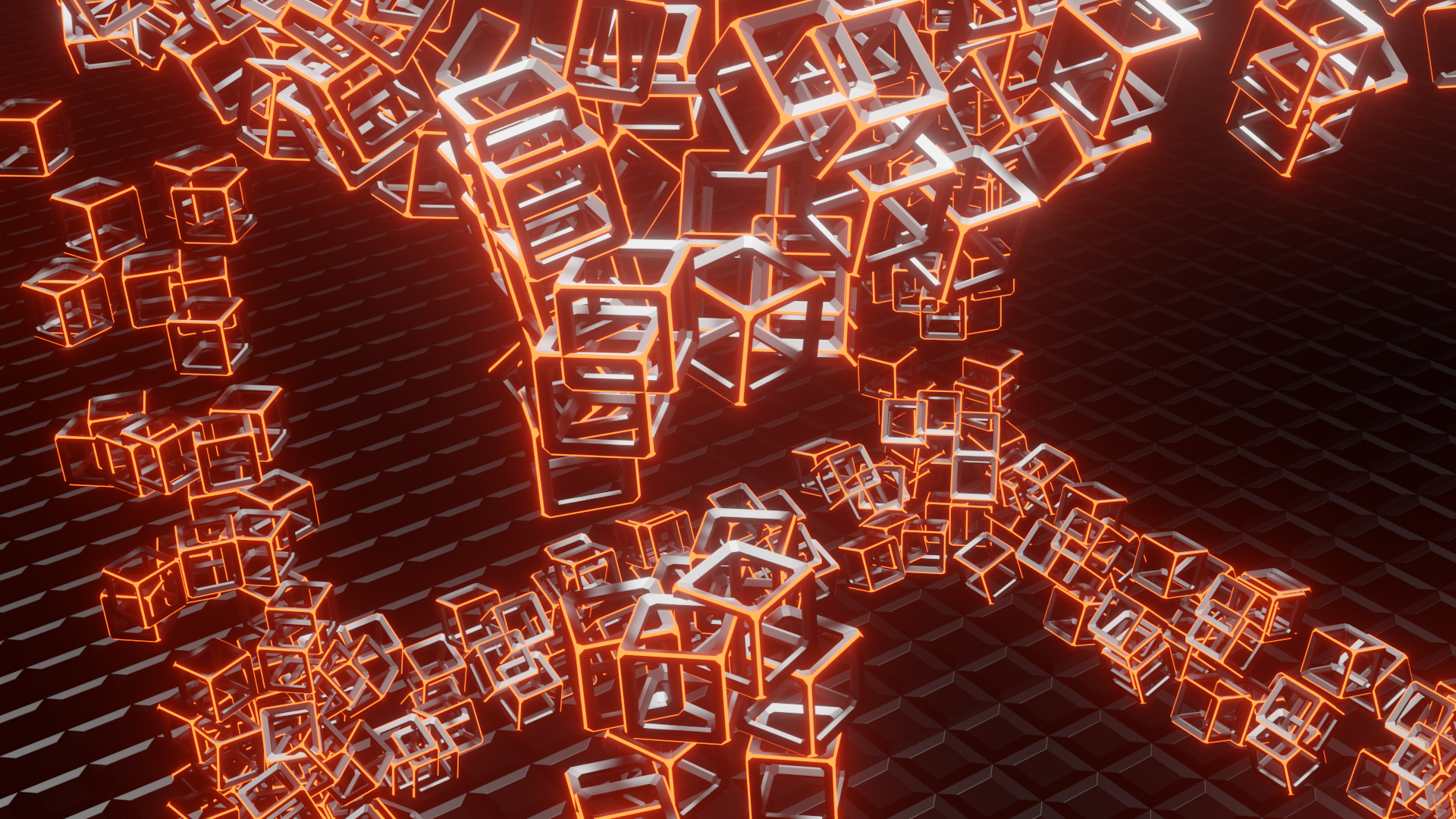
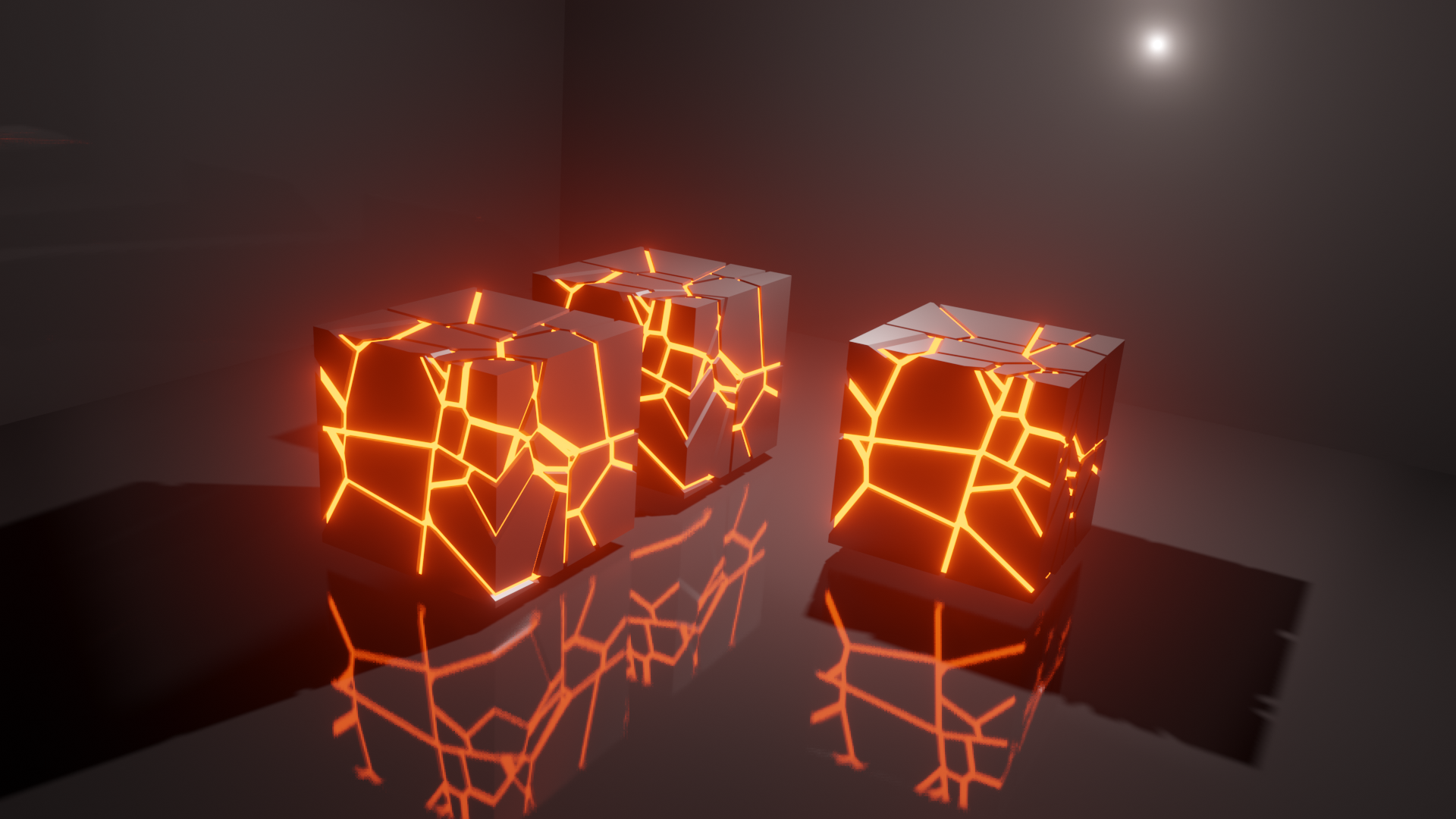
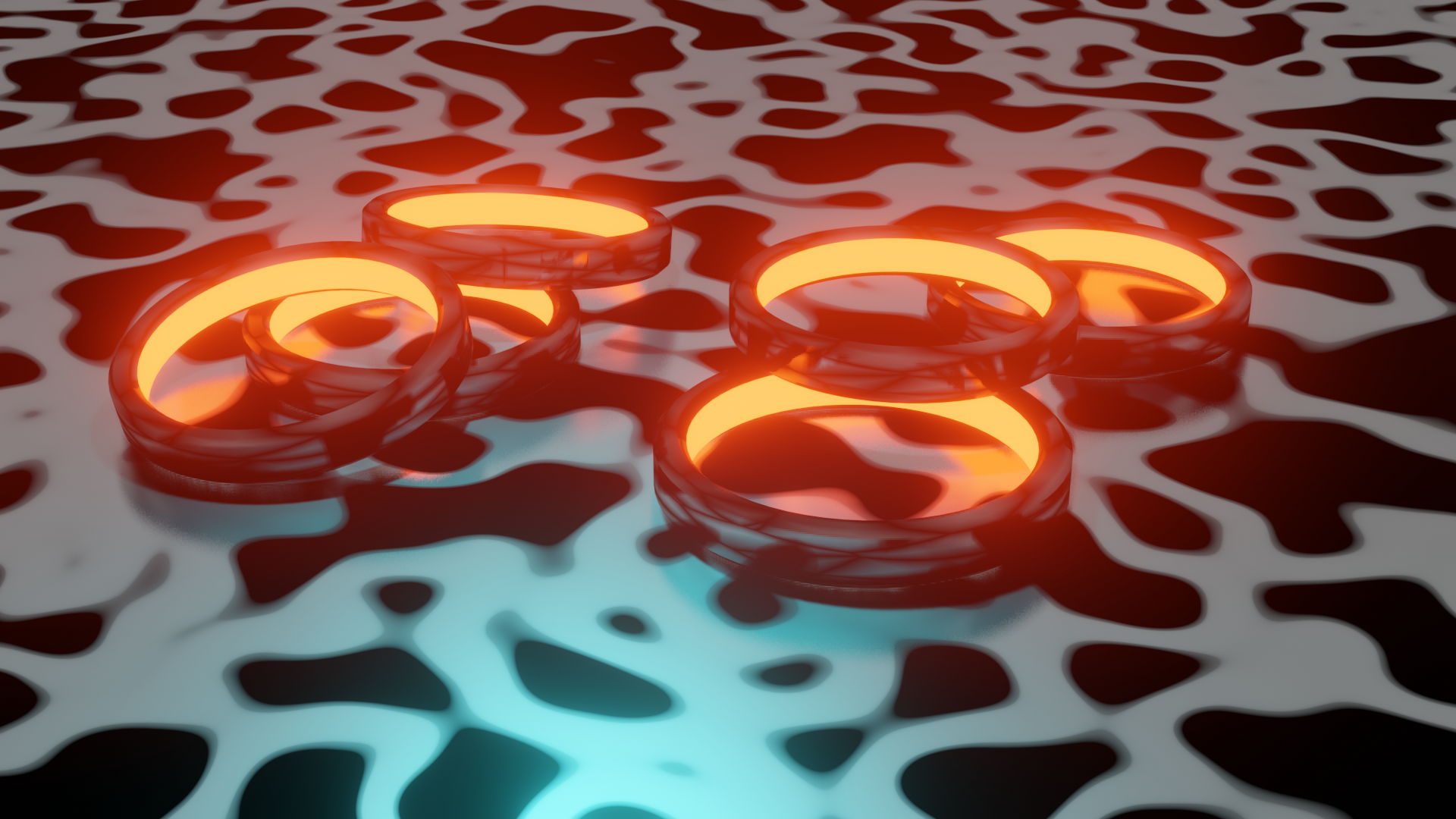
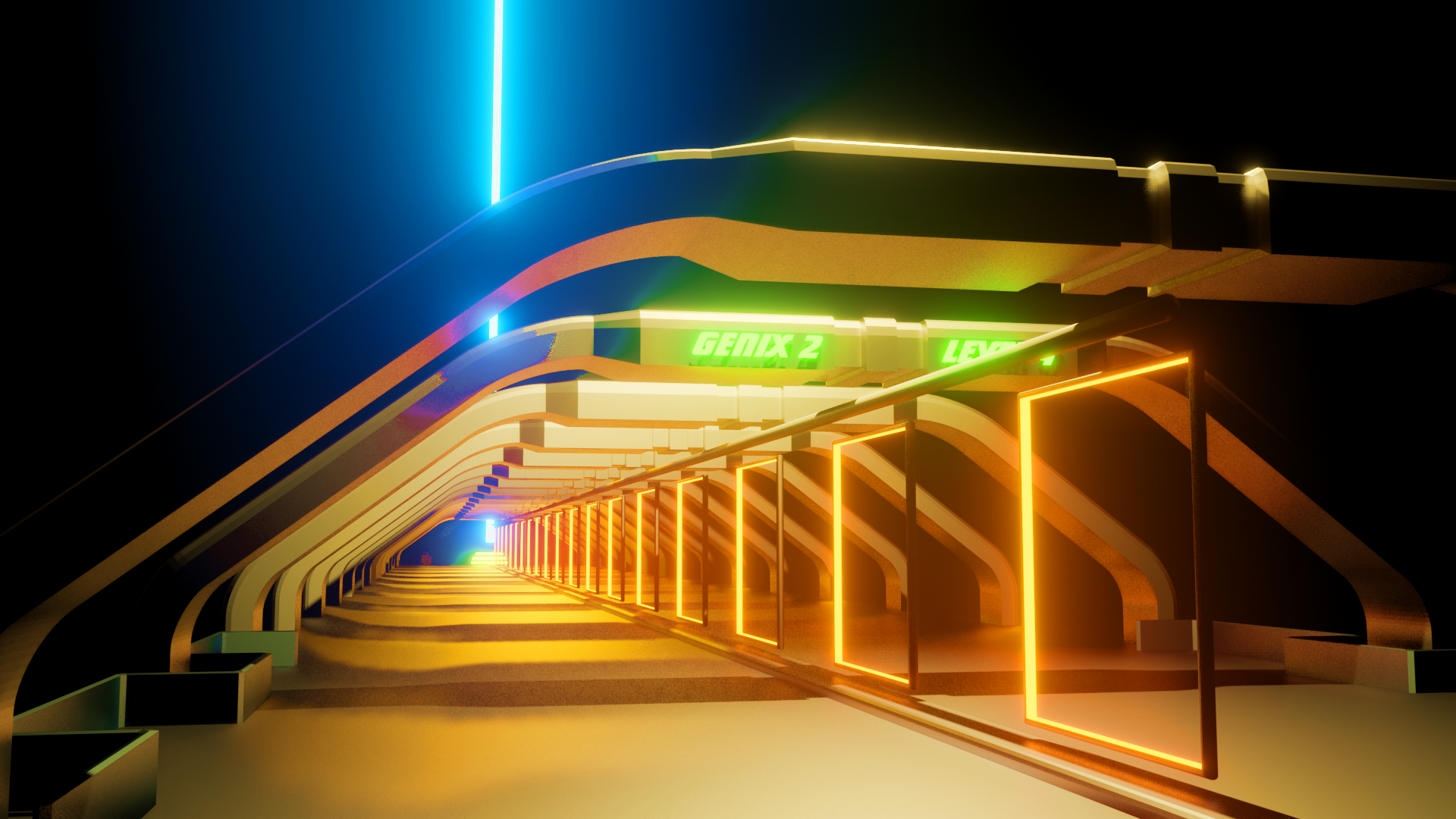
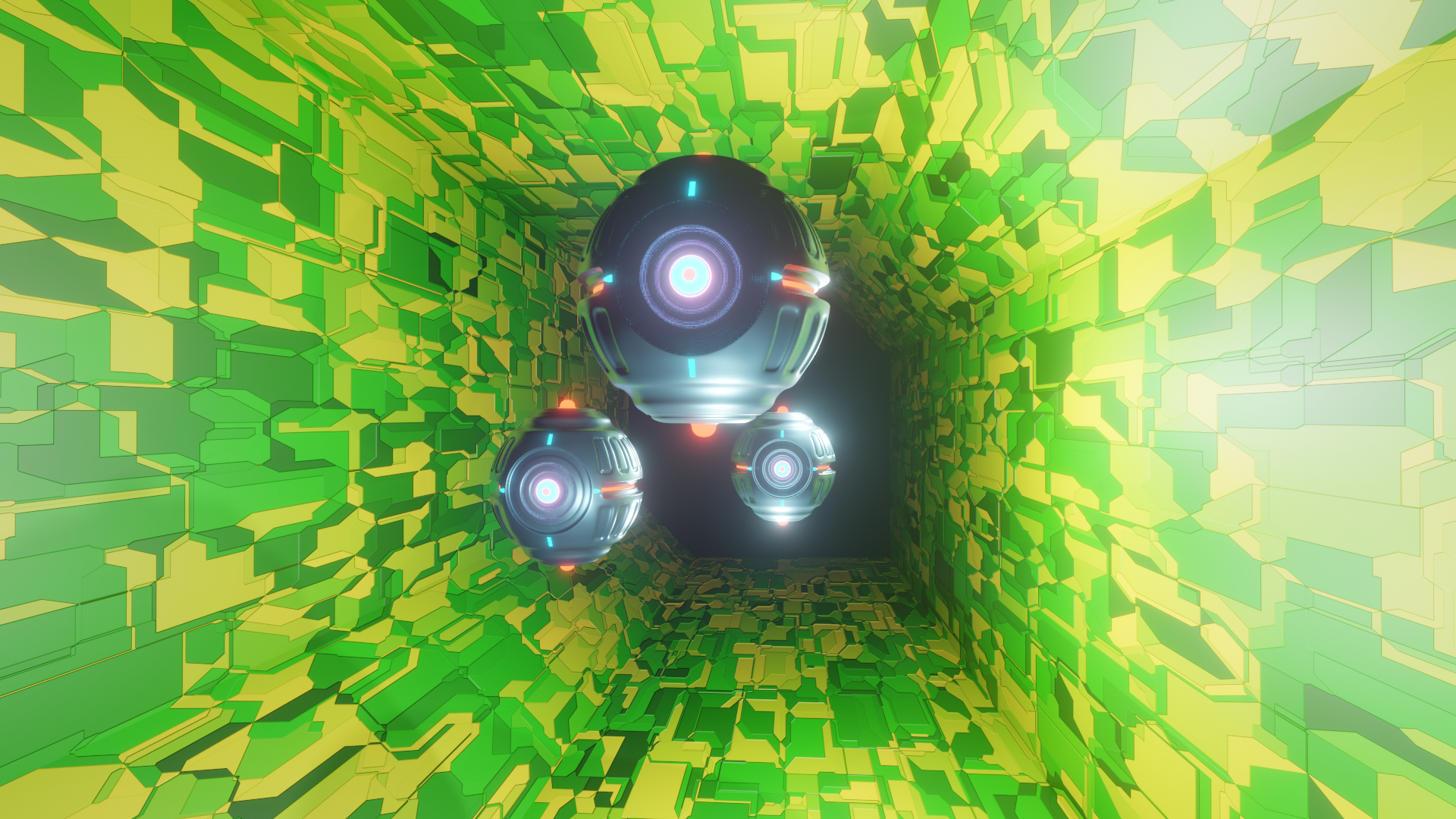
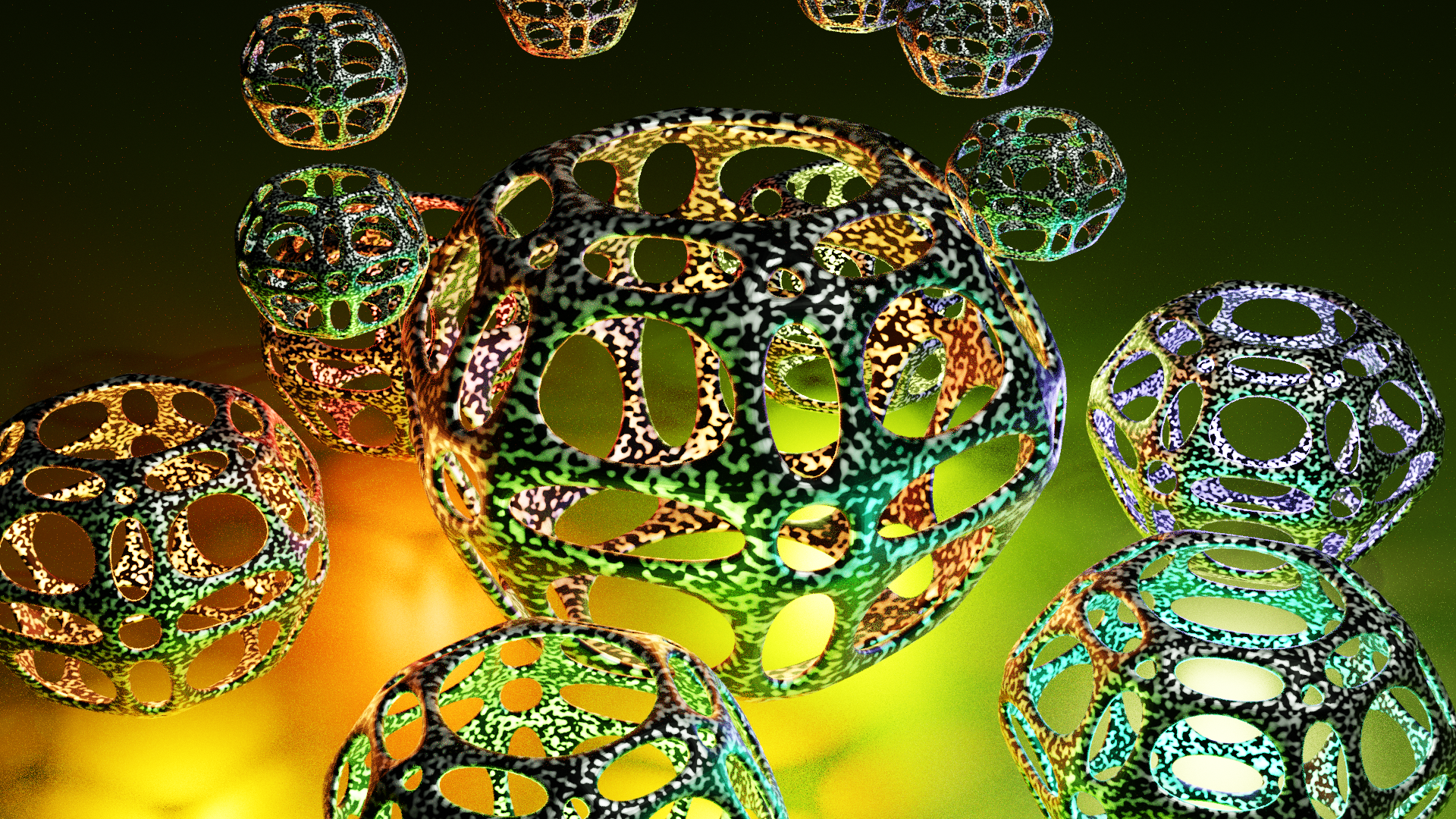
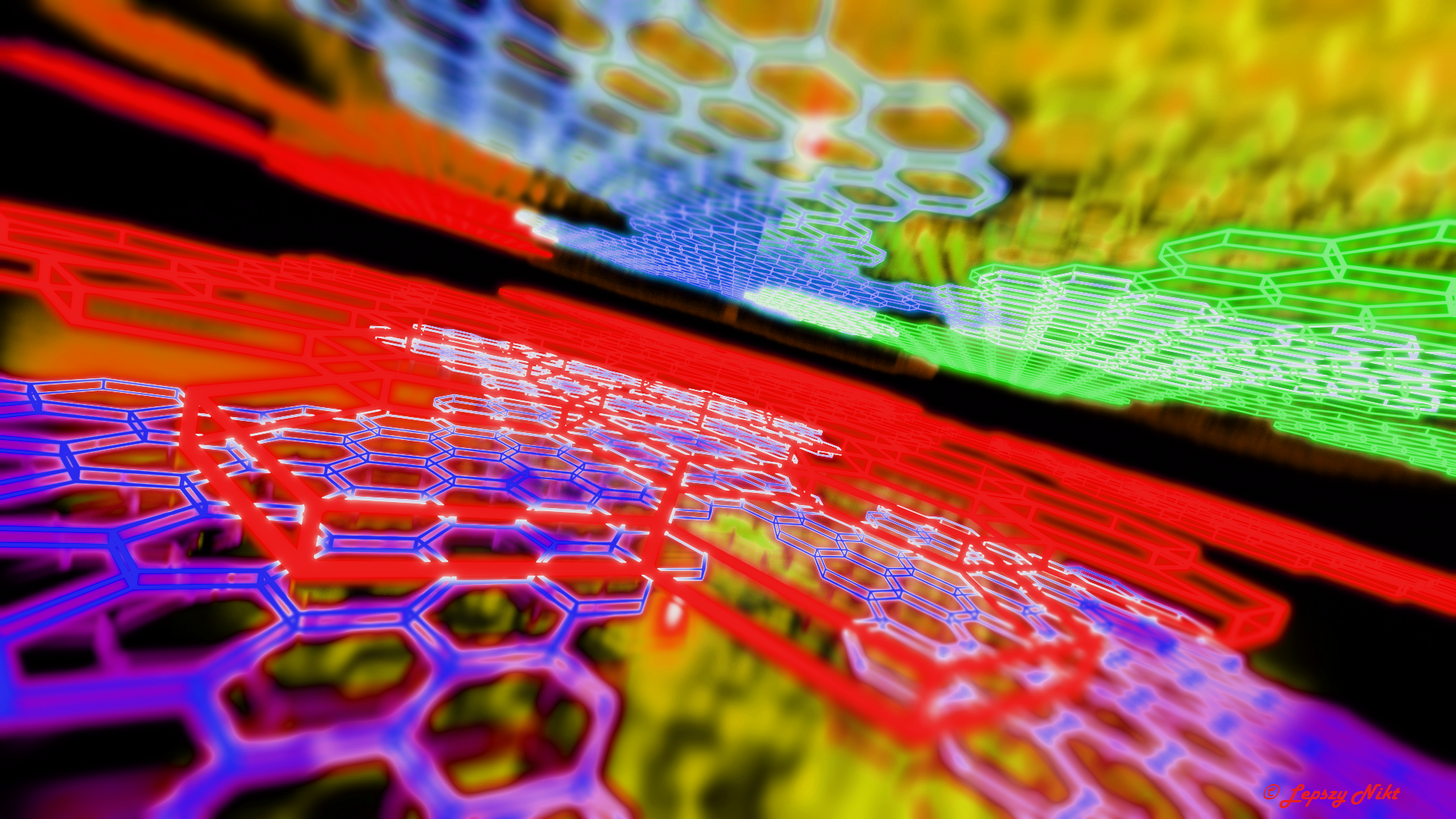
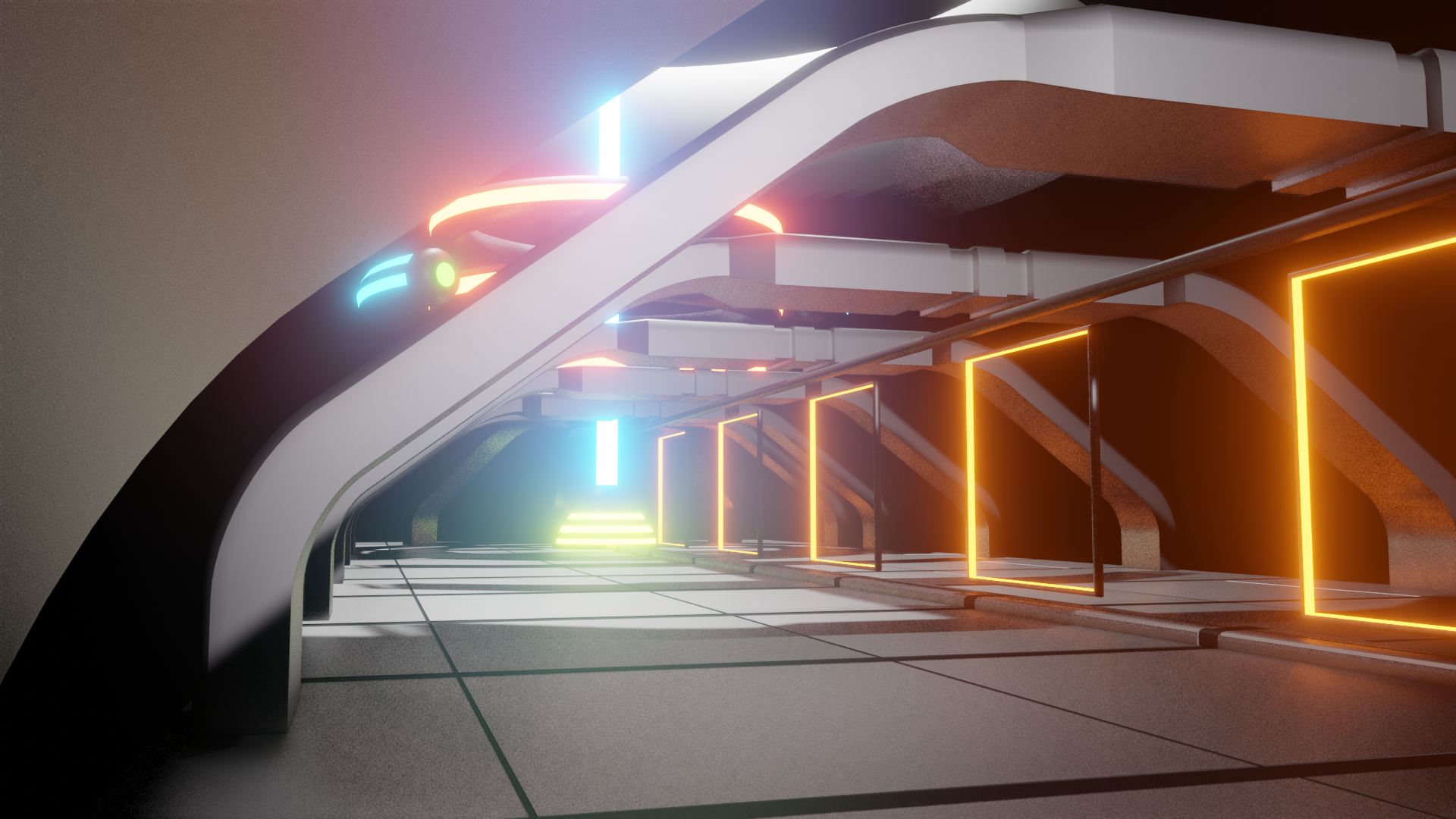
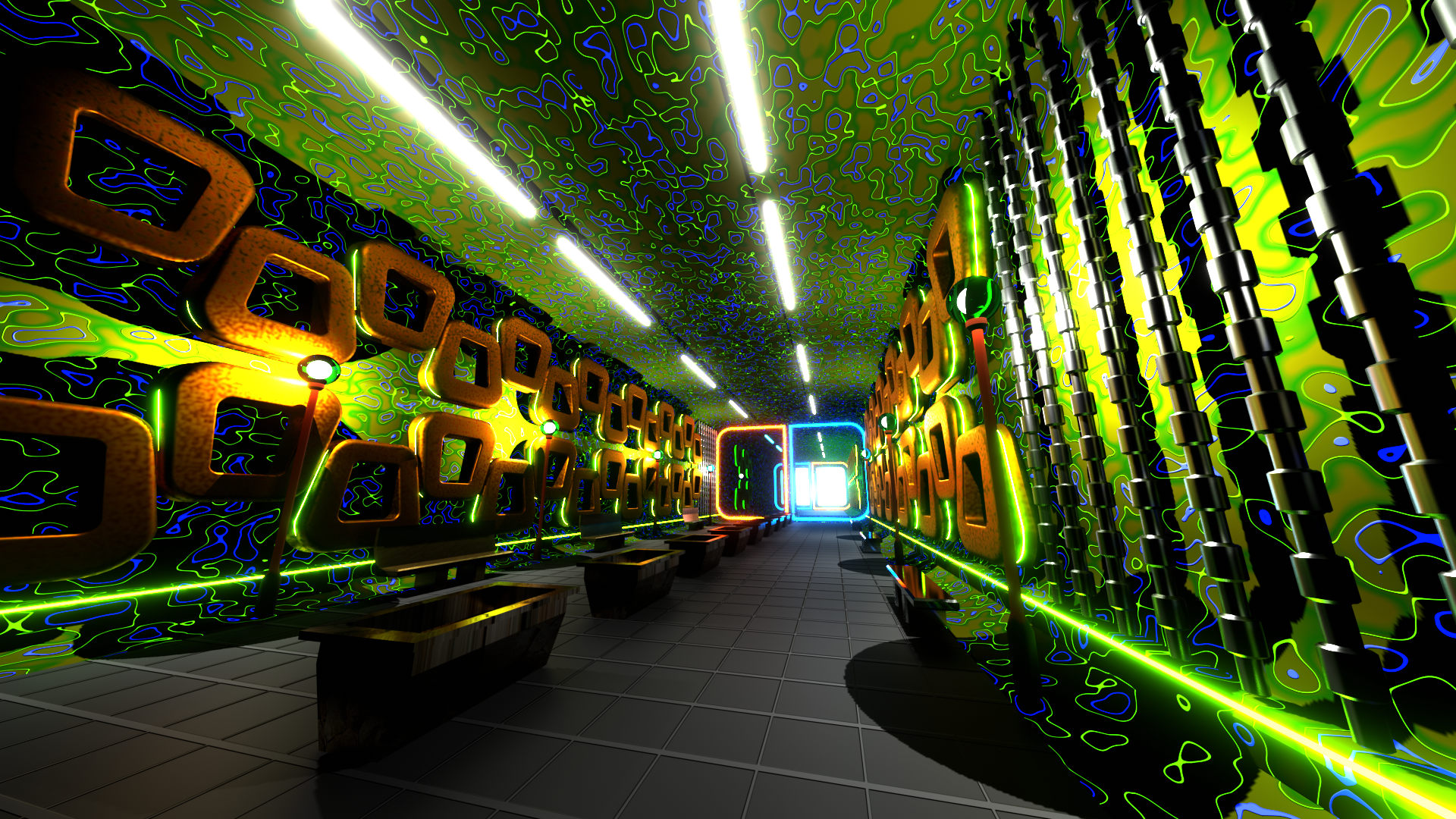
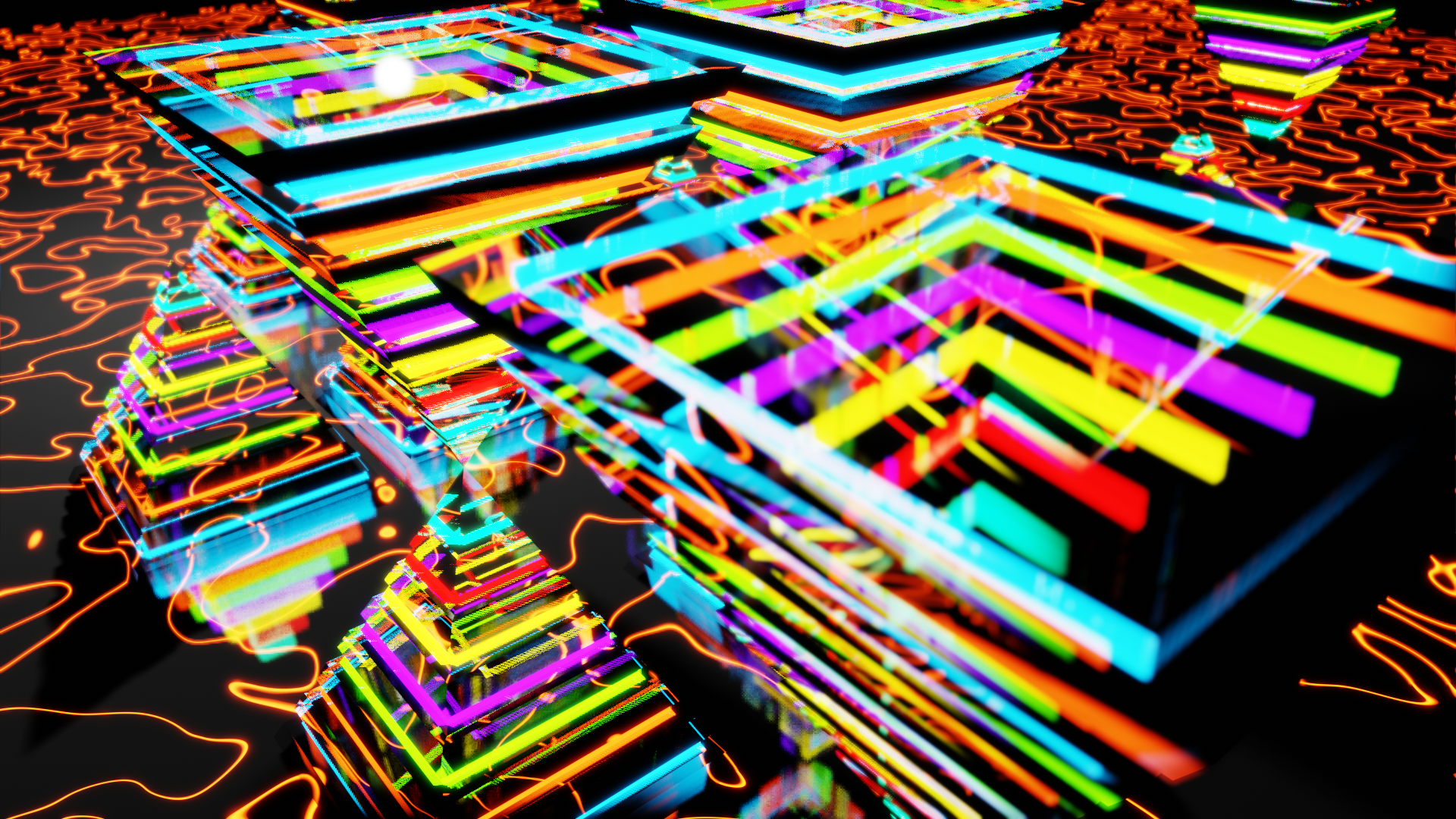
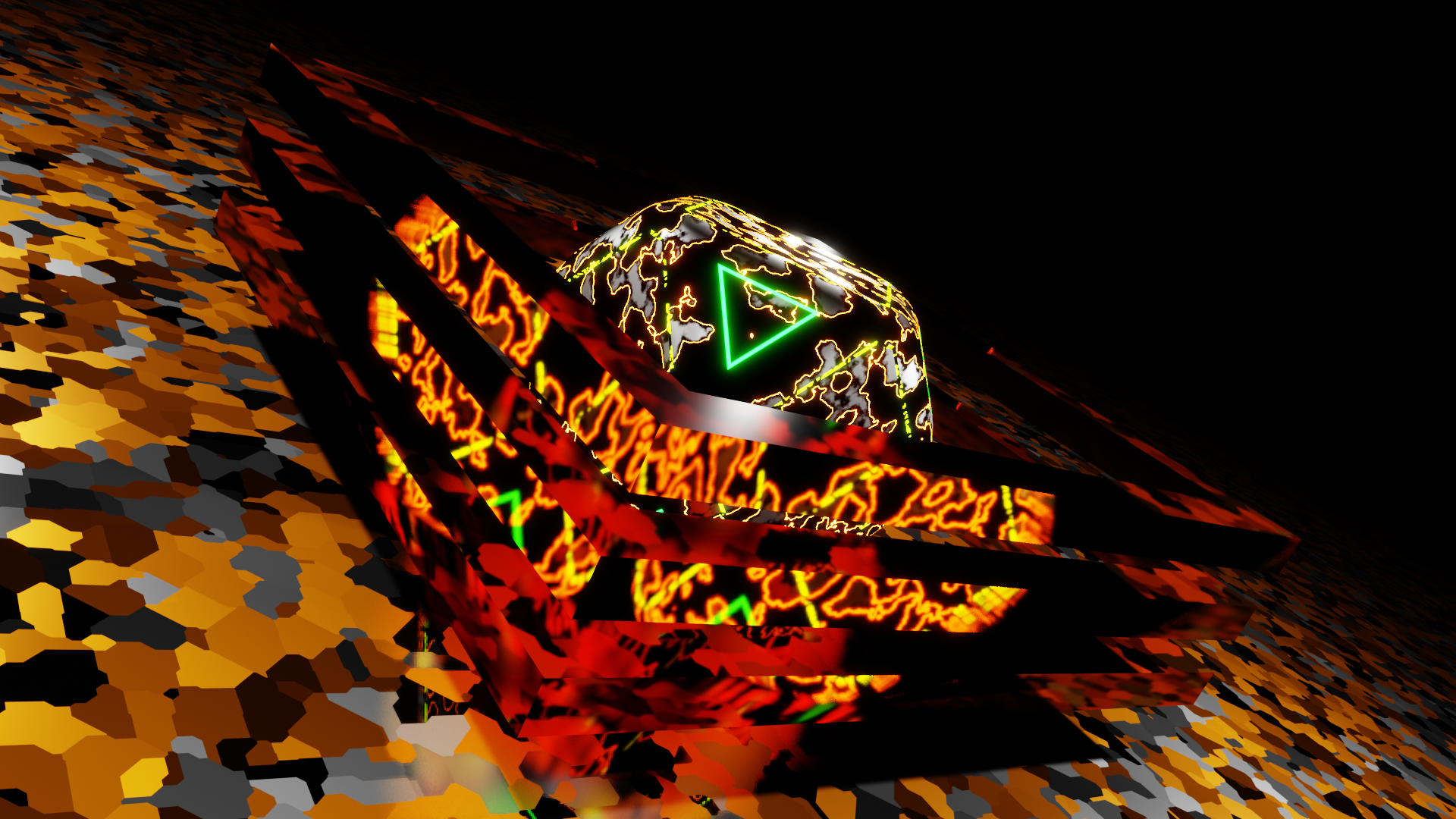
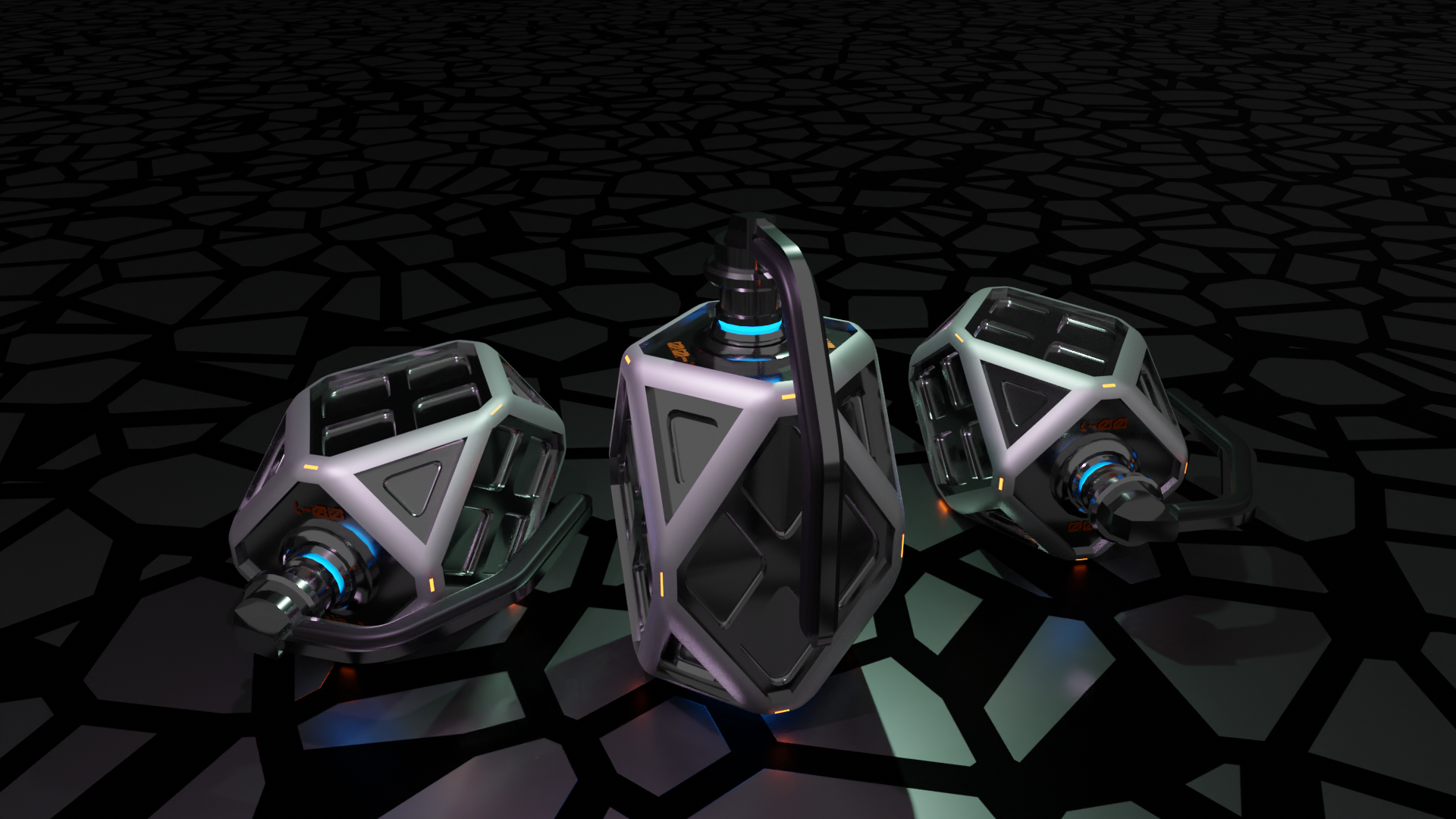
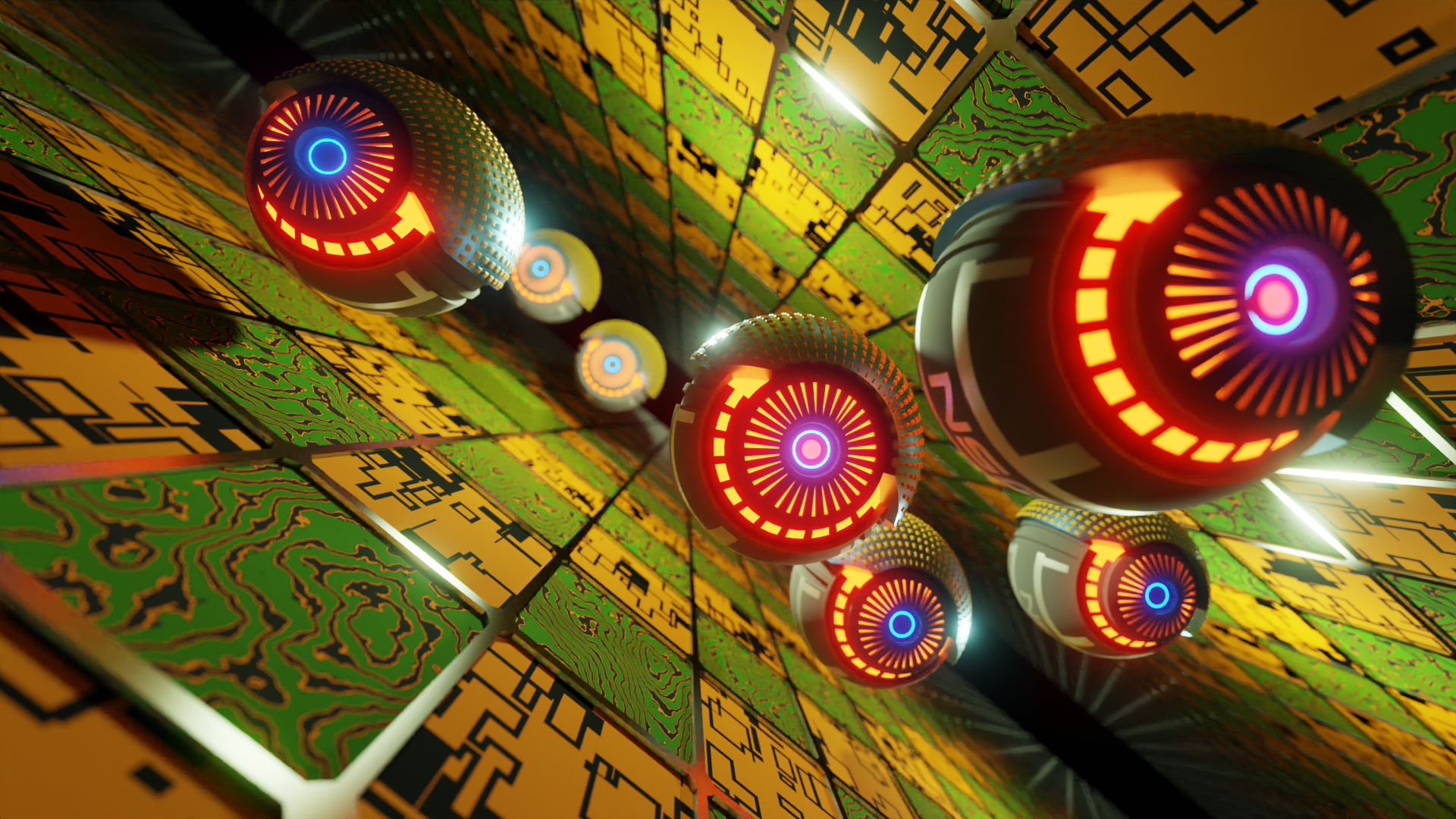
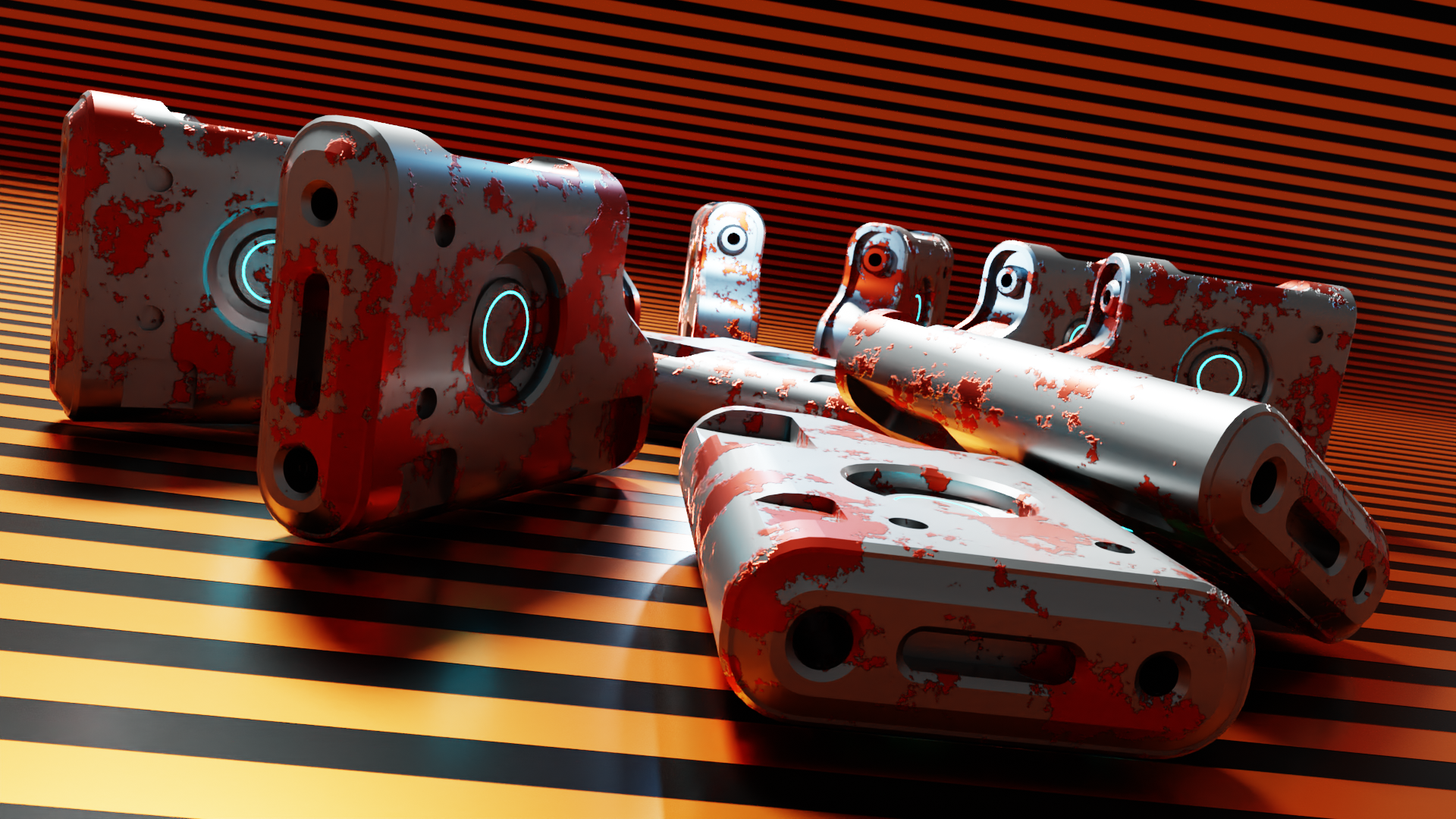
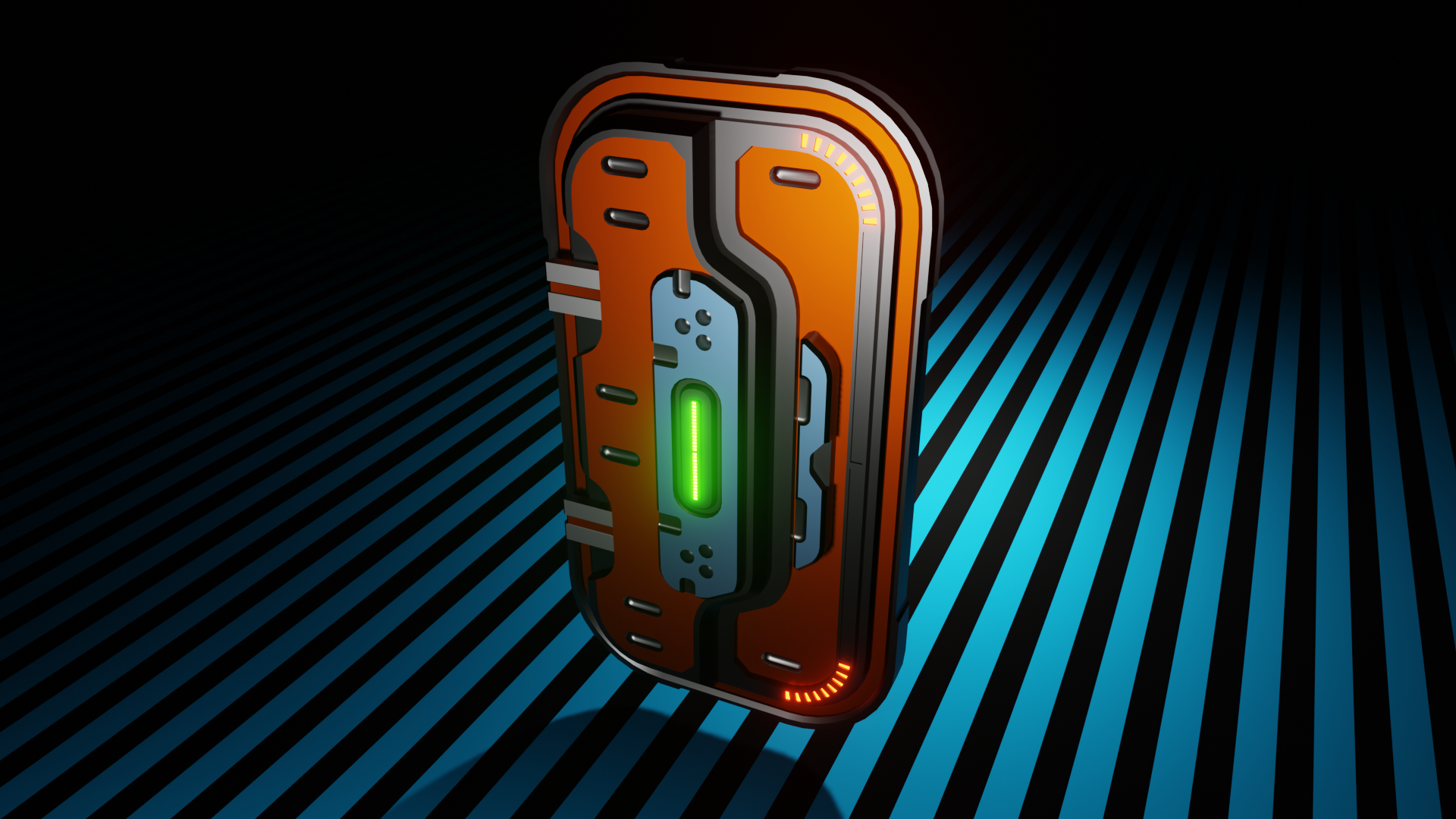
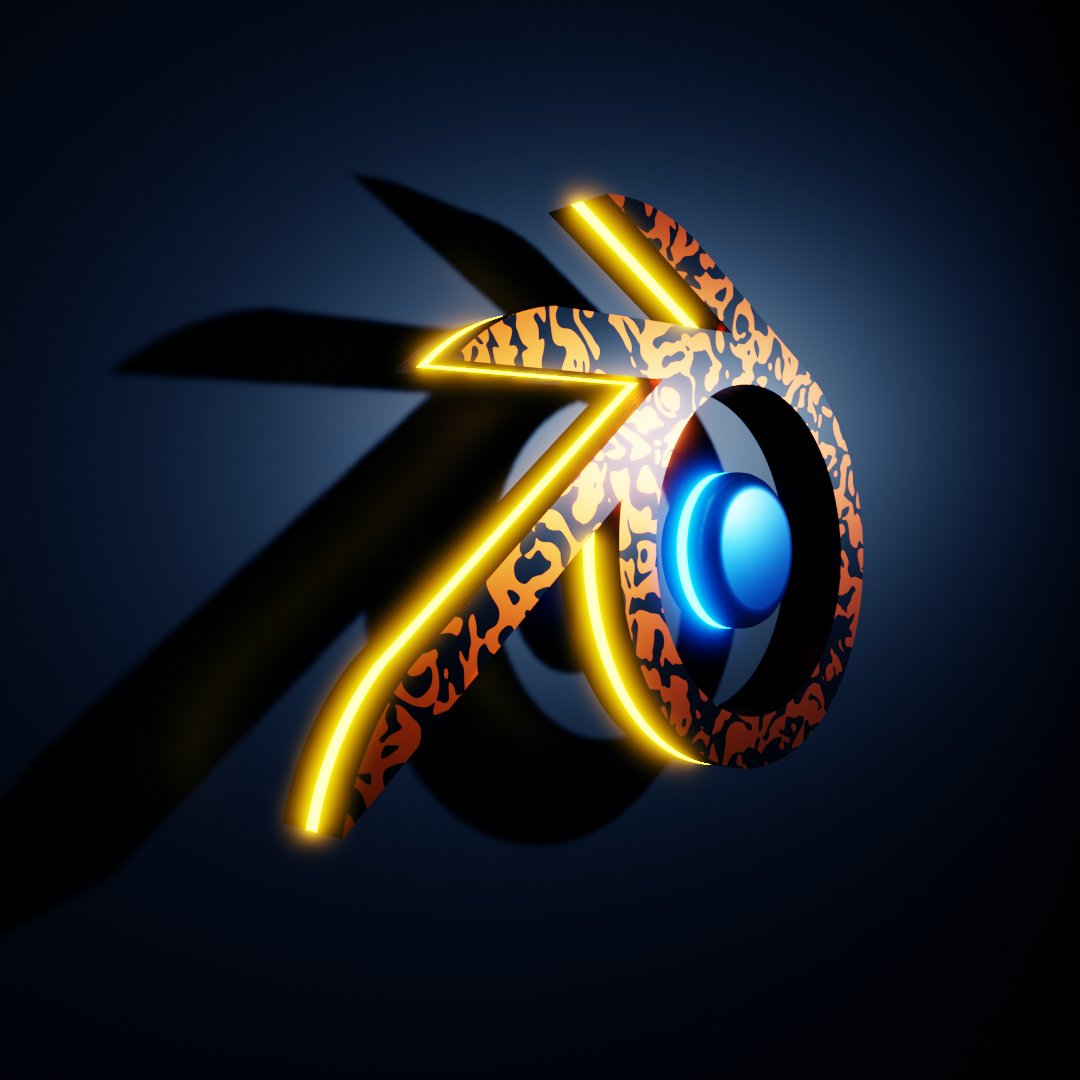
Blender 3D modeling and animation. Blender is an advanced tool for creating 3D models, animations, and games. It's a free tool with a unique interface that can be useful for creating 3D objects, from architecture to games and films. It has many interesting built-in animation features and methods. It allows for highly detailed editing of characters and other objects. Some of the program's options are very extensive and detailed, which may initially discourage beginners, but after some time with the program, this proves to be a significant advantage. I decided to write a few words this time not about inertial drive, but about something more specific and useful for graphic designers, programmers, or students. I'm talking about Blender, a 3D and animation program. I currently have version 2.82 of this venerable and useful program on my computer. It's important to emphasize that this version isn't for weak systems, and my computer, frankly, can't handle it at the moment, especially with animations and rendering. Despite the hardware requirements, I recently managed to write my first Python program, or rather, I copied it from a YouTube tutorial. It wasn't a very advanced program, but it was advanced enough to create quite interesting graphics in Blender, which has a built-in option for entering Python scripts to program the behavior of graphical elements in 3D and other functions. Blender itself is very complex and, above all, useful for creating interesting graphics, for example, for your own website. There are many options. In addition to all kinds of operations on 3D solids, we have a range of functions for animation and reality simulation (rigid body, particles, force fields, build, etc.), starting with options such as defining key frames and assigning drivers, through which we can create animations of various mechanical devices, for example, illustrating the operation of a planetary gear, etc. We can also apply all kinds of textures and surfaces, from metallic surfaces to porous surfaces and those imitating plant tissues. Using the particle function, you can quickly create a rain effect with various shapes. There's also a force field function that lets you define the behavior of, for example, an explosion or the falling of material particles from the rigid body function. Using Blender, even with the hardware I have, I've created several interesting graphics for my hobby website. When I first started using Blender, I felt helpless trying to create something with it. I'd seen graphics created with the program, but I had no idea how they were created. Things are much better now, and although I'm not as advanced in Blender as some of the people presenting tutorials on YouTube, I'm still open to achieving perfection. The option of creating graphics for your own website is particularly interesting; the program offers numerous options for this purpose. In Blender, you can assign a keyframe or driver to virtually any property, which means a wealth of possibilities, and a creative graphic designer will surely get the most out of this program, creating stunning results. Rendering graphics in Blender requires powerful hardware; rendering animations can sometimes take days, during which the computer must be constantly on. In the version I'm currently using, 250 frames of video at 1920 x 1920 px resolution with a cube rotating around two axes took all night. Other Blender features include video editing and game creation. Blender has many add-ons, such as carver and assets?these are available for free; others, like hard-ops, are paid but allow for significant expansion of the program's capabilities. The program is very easy to configure and customize to your needs. To do this, go to the preferences option to set keyboard shortcuts and interface colors. Virtually every function can be programmed and assigned a keyboard shortcut. The program operates in several modes, such as object mode, edit mode, or sculpt mode. In edit mode, you can use shortcuts like "e" for extrude or "g" for move. In sculpt mode, you can sculpt 3D models using very advanced tools. In shading mode, you have a node editor where you can set textures and other object properties. In UV editing mode, the program breaks each object into a plane, where you can define and specify the texture layout on the solid. In texture paint mode, you can paint textures on solids using a brush. If you want to learn how to create graphics and animations in Blender, I recommend purchasing a good computer, preferably with a multi-core processor from 3.4 GHz (preferably 3.8 to 4 GHz) and a graphics card with 2 GB of memory. (8 GB - 32 GB is better) and enough RAM in the computer. My computer is about to retire, as it's already many years old. Blender was created by programmers from around the world, so it has an open structure, but if you don't have enough money to renew a periodic 3DS license, Blender seems like a pretty good alternative to start with. Working with Blender is fun.